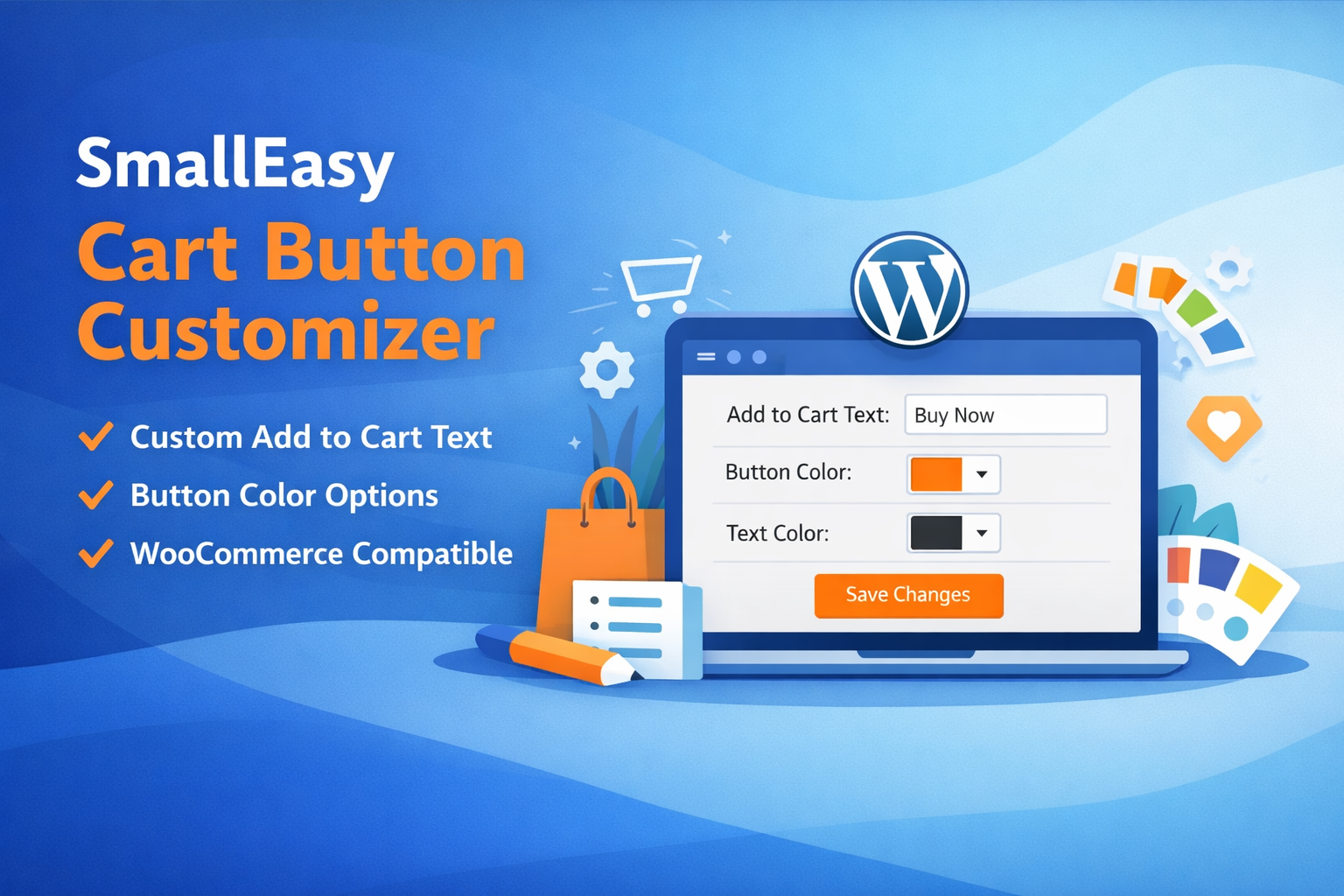
Learn how to customize WooCommerce Add to Cart button text and colors using SmallEasy Cart Button Customizer. Full documentation, installation guide, features, and version updates.
SmallEasy Cart Button Customizer – Documentation
Plugin URI: https://www.smalleasytools.net/blog/smalleasy-cart-button-customizerCurrent Version: 1.0.0
Last Updated: [Update Date Here]
Author: Monirul Islam – SmallEasyTools
Requires: WordPress 6.0+ | WooCommerce Active
PHP Version: 7.2+
Overview
SmallEasy Cart Button Customizer is a lightweight and user-friendly WordPress plugin that allows WooCommerce store owners to customize the Add to Cart button text and colors globally without editing theme files or writing any code.
The plugin is designed for performance, simplicity, and flexibility. It integrates seamlessly with WooCommerce and works across shop pages, product pages, and archive views.
Whether you want to improve conversions, match your brand style, or run promotional campaigns, this plugin provides a quick and reliable solution.
Why Customize the Add to Cart Button?
The default WooCommerce button text may not always align with your business goals. Customizing it can help you:
- Increase conversion rates
- Create urgency (Buy Now, Order Today, Get Yours)
- Match brand voice and tone
- Highlight special offers
- Improve user experience
- Make your store look more professional
Small changes in call-to-action wording can significantly impact customer behavior.
Key Features
Text Customization
- Change Add to Cart text globally
- Works on:Shop pageProduct pageCategory pagesArchive pages
- Shop page
- Product page
- Category pages
- Archive pages
Color Customization
- Change Cart Button Background Color
- Change Cart Button Text Color
- Color picker support
- Custom HEX color input supported
Admin Settings Panel
- Easy access from WordPress dashboard
- Clean and simple interface
- No technical knowledge required
Performance Optimized
- Lightweight code
- No database bloat
- No impact on page speed
Security & Standards
- Sanitized inputs
- WordPress coding standards
- Safe output escaping
Installation Guide
Method 1: Upload via WordPress
- Download the plugin ZIP file
- Go to WordPress Dashboard → Plugins → Add New
- Click Upload Plugin
- Select the ZIP file
- Click Install Now
- Activate the plugin
How to Use
- Go to Settings → Cart Button Customizer
- Enter your custom button text
- Choose:Button background colorButton text color
- Button background color
- Button text color
- Click Save Changes
The changes will be applied globally across your WooCommerce store.
Use Cases
This plugin is ideal for:
- WooCommerce store owners
- Marketing campaigns
- Seasonal promotions
- Limited-time offers
- Brand customization
- Client website management
Example button texts:
- Buy Now
- Order Today
- Add to Basket
- Get This Deal
- Purchase Now
Compatibility
- WordPress 6.0+
- WooCommerce latest versions
- Most WordPress themes
- Tested with popular themes:AstraHello ElementorGeneratePressStorefront
- Astra
- Hello Elementor
- GeneratePress
- Storefront
Plugin Structure
Version 1.0.0 includes:
- Main plugin file
- Settings page
- Color customization functionality
- Clean uninstall support
Version Information
Current Version: 1.0.0This is the initial release with core customization features.
Future updates may include:
- Per-product text customization
- Category-based button text
- Conditional rules
- Additional styling options
- UI improvements
Changelog
Version 1.0.0 – Initial Release
- Global Add to Cart text customization
- Button background color option
- Button text color option
- Admin settings page
- Secure input sanitization
- Lightweight performance
How Updates Will Be Added (For Future Versions)
When a new version is released, this page will be updated with:
- Version number
- Release date
- New features
- Improvements
- Bug fixes
- Compatibility notes
Example format:
Version 1.1.0 – [Date]
- Added feature X
- Improved performance
- Fixed issue with theme compatibility
Frequently Asked Questions
Does this plugin require WooCommerce?
Yes. WooCommerce must be installed and activated.
Will it work with any theme?
Yes. It works with most WooCommerce-compatible themes.
Will it slow down my website?
No. The plugin is lightweight and optimized for performance.
Can I use custom colors?
Yes. You can select colors using the picker or enter HEX codes manually.
Can I revert changes?
Yes. Simply clear the custom values or deactivate the plugin.
Support & Feedback
If you need help or want to suggest new features, please visit:
https://www.smalleasytools.net/
We welcome feedback to improve future versions.
About SmallEasyTools
SmallEasyTools provides simple, efficient, and lightweight tools for website owners, developers, and marketers. Our goal is to create practical solutions that save time and improve productivity.
Final Notes
SmallEasy Cart Button Customizer is built with long-term stability, performance, and usability in mind. It is suitable for both beginners and professionals who want quick WooCommerce customization without complexity.
Last Updated: Current Version: 1.0.0